Flux's AI agent is now up to 10x faster and self-corrects in real time, delivering cleaner schematics with less waiting and fewer wasted credits.
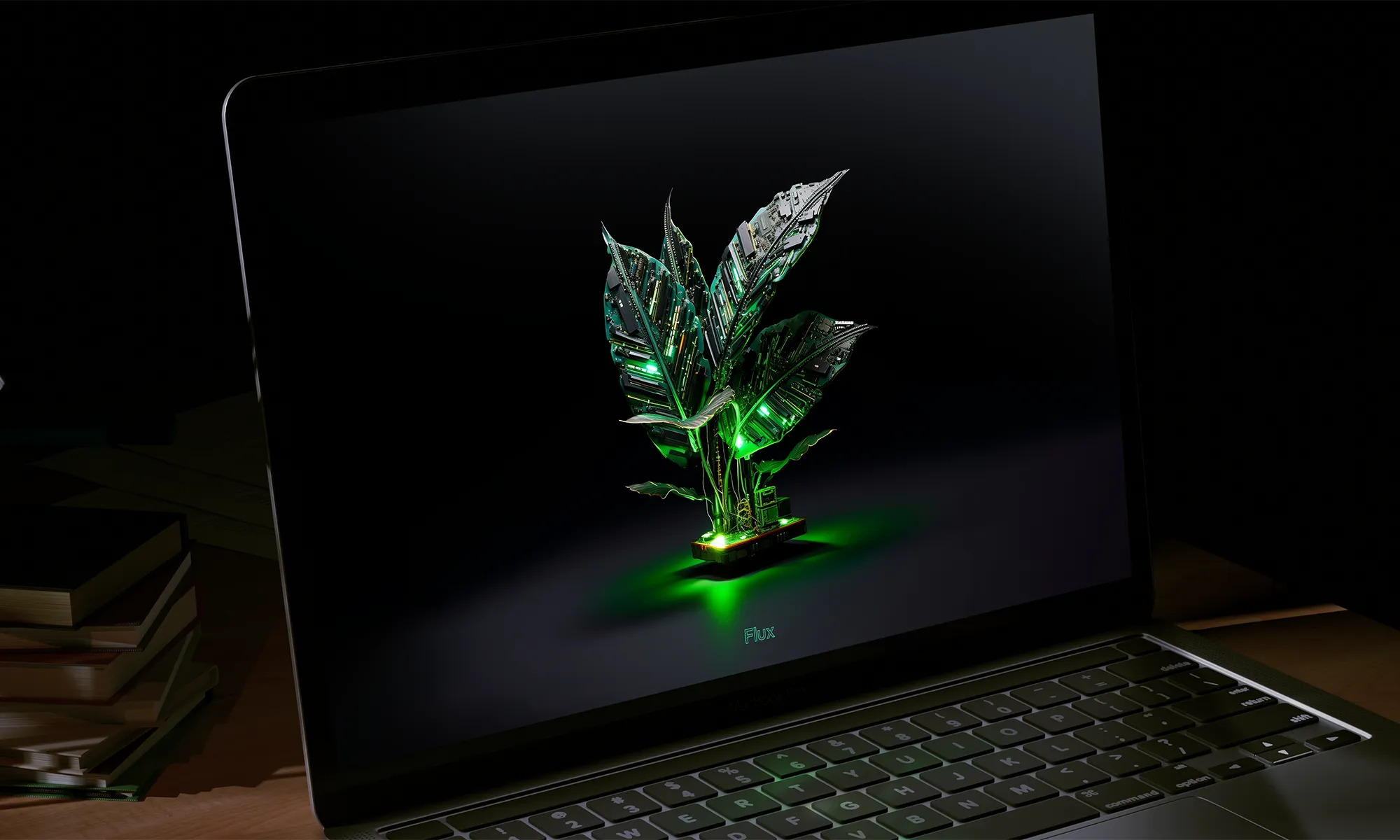
Imagine blending the intricate world of circuitry with the serene beauty of nature. That's exactly what I've done with Flux’s first collection of wallpapers, designed exclusively for the innovators of our world.
I’ve been thinking a lot about what Steve Jobs did. With the products he created at Apple, he found a way to merge engineering with the humanities. In doing so, he enabled more people to experience and connect with technology. Wow, I thought, This kind of thinking is powerful but overlooked for PCB and electronics design. There is an artistic side that's often overlooked. I wanted to capture the feeling of creation, of invention, in these wallpapers. The goal is to kindle the spark of inspiration and also celebrate the creativity and ingenuity that engineers bring to their work every day.
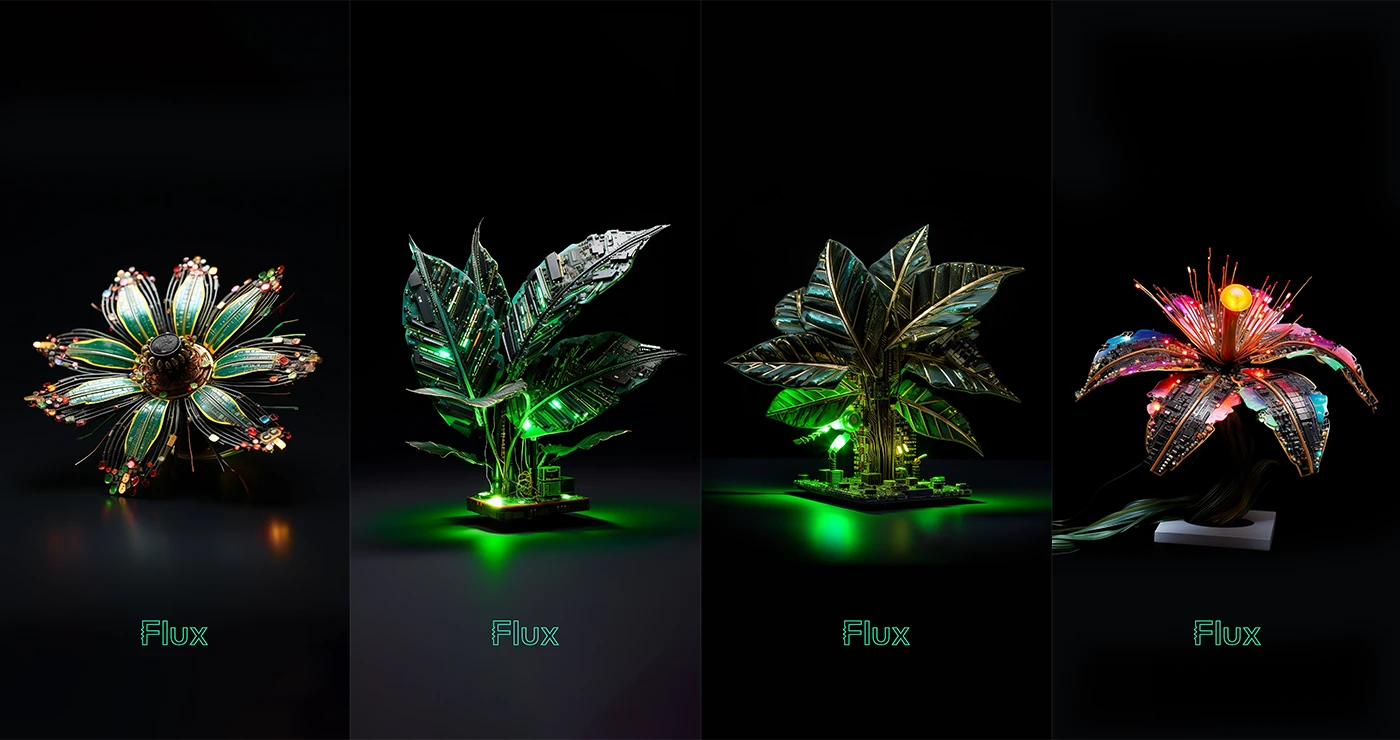
Each wallpaper was designed with Midjourney. Many iterations of prompt tuning and post processing were required to produce a series that felt right. I wanted to strike a balance between the artificial and natural. And I wanted to inspire with a sense of fantasy while still keeping one foot in the possible. The result is four wallpapers which evoke futurism with the classic forms of the natural world. Brilliant color and glowing light evoke optimism while a shallow depth of field and the dark background evokes an intimacy. These products - or are they organisms - are shot in a reserved style of a professionally photographed object.
For engineers, I hope these wallpapers will be more than just a background for their screens; they'll be a source of daily inspiration. The fusion of a PCB’s precision with the organic form of plants reflects the innovative spirit of engineering. It's a daily reminder of how engineering not only solves practical problems but also creates beauty and harmony.
Ready to bring this unique blend of technology and nature to your workspace? We're excited to share that these exclusive wallpapers come in stunning 4K resolution, ensuring that every detail of the intricate PCB designs is beautifully rendered. And the best part? They are available for both desktop and mobile phones, directly downloadable from this blog post!
In a world where technology often distances us from nature, these wallpapers serve as a beautiful reminder of how the two can coexist harmoniously. They’re more than just decoration; they're a statement of the beauty in engineering and an ode to the creativity that engineers bring to our world.



If these unique PCB plant wallpapers have sparked your interest, share this post with your fellow engineers and designers. Let's spread the word about this innovative blend of technology and nature! And if you have ideas for future designs, we’d love to hear them on our Slack Community.
We’re not just offering a tool; we're building a home where the open-source hardware community can truly flourish. Join us in this exciting journey toward a more collaborative and innovative future.

That's where Flux for Organizations comes in, and we're thrilled to make it free for public and educational organizations. At Flux, we are deeply committed to the belief that open-source hardware will be the vanguard of global innovation. We're here to make it easier for teams worldwide to collaborate and build the future.
Navigating through fragmented resources for reliable component libraries or design rules can be both time-consuming and frustrating. Flux offers a centralized resource hub that brings everything you need right to your fingertips. Component libraries, AI-driven design suggestions via Copilot—you name it, we’ve got it.
Forget the days of email chains filled with zip files that make version control a living nightmare. Flux's built-in version control, Copilot Presets, and Project Templates are designed to make every design iteration transparent, accessible, and most importantly, collaborative. Learn more

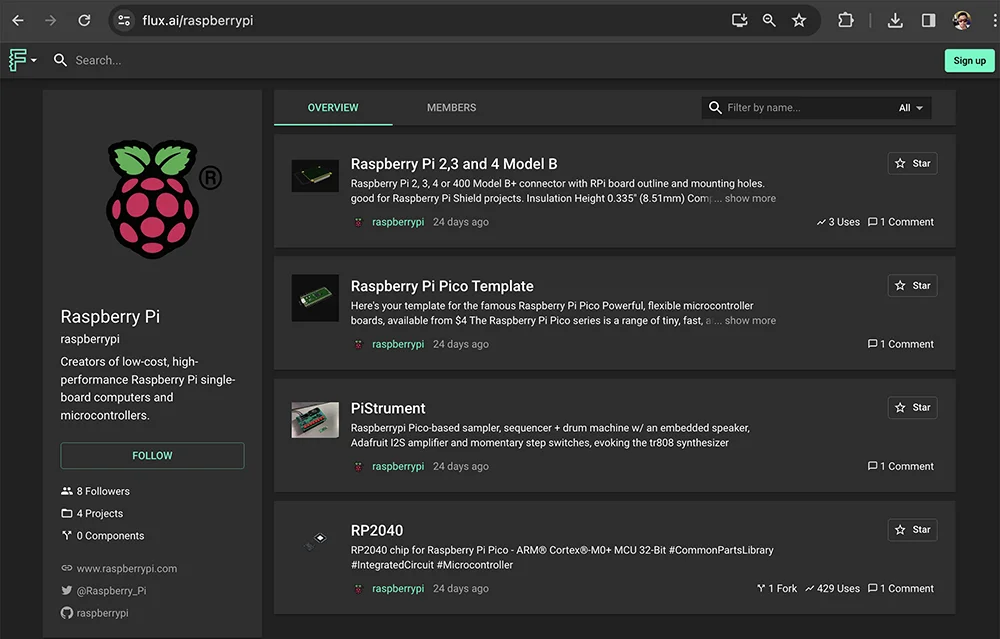
The challenge of recruiting incredible talent for open-source projects is real. That's why your organization’s Flux profile does more than just list who's on your team. Use it to highlight community contributions, showcase public projects, and even spotlight the heroes who make your community vibrant. See example

Hardware components come with real costs, which can become prohibitive especially for community-driven projects. With Flux's real-time pricing and availability features, automated email updates on component pricing, and total project cost visibility, you’ll never be in the dark. Learn more
While large hardware firms have resources that smaller, community-driven projects can only dream of, Flux levels the playing field. Our AI assistant, Copilot, brings enterprise-level capabilities right to your desktop, allowing you to compete on a much broader scale. Learn more about Flux Copilot
Whether you're an open-source hardware group, a manufacturer like Aisler sharing stackup templates, or a university showcasing academic projects, we support your collaborative efforts. For those in need of more privacy and customization like Weyland Yutani Megacorp, our paid organizational accounts start at just $49 per editor. Learn more about private organizations
We’re not just offering a tool; we're building a home where the open-source hardware community can truly flourish. Join us in this exciting journey toward a more collaborative and innovative future.
Today, we’re taking collaboration one step further by giving hardware teams a shared virtual space that’s built for innovation. Today, we’re launching Flux for Organizations: a new way for hardware teams to collaborate.
Today, we’re taking collaboration one step further by giving hardware teams a shared virtual space that’s built for innovation. Today, we’re launching Flux for Organizations: a new way for hardware teams to collaborate.
Flux for Organizations is a new suite of capabilities designed to foster a collaborative environment across teams, large or small. At the heart of the feature are
Creating an Organization for your team aligns everyone, ensuring all members share the same default permissions, design rule checks, and Copilot presets for organization-centric AI-design reviews. This unlocks a new level of transparency, alignment, and ease of collaboration.
Creating an organizational account is easy. Just follow these steps:
Want to see a Flux Organization in action? Feel free to check out some of our favorite Flux Organization profiles here:
Imagine designing a PCB in a third less time than you're used to - that's the power of Flux Copilot's new upgrade, allowing it to wire components together for you. In this tutorial, we'll walk you through the important workflows and example prompts to help you design a Raspberry-Pi-Pico-like board in 20 minutes.
To put this new feature to the test, we revisited a recent project where we designed a Raspberry-Pi-Pico-like schematic using only AI. Initially, it took us 30 minutes to complete the design using Flux Copilot's advice. With Copilot taking the lead on making connections, the same schematic design was completed in just 20 minutes!
In this tutorial, we'll walk you through the important workflows and example prompts to help you design a Raspberry-Pi-Pico-like board in 20 minutes. Curious about the end result? Take a look at the finished project here.
Using generative AI for PCB design means working at the very edge of current possibilities. This requires a few workflow adjustments to get the most out of it. These are some of the principles we found work particularly well, but we can't wait to hear what you come up with. Let us know in Slack!
Your input and interactions play a significant role in getting the most out of Copilot. Be clear and precise with your objectives, don't hesitate to explore different suggestions, and feel free to give feedback with a thumbs up. We compiled a list of useful prompts if you want to learn more about what Copilot can do.
Go from general to specific. It's much easier to get precise responses when Copilot is provided with more details. You can get those details by first asking more broad questions and use Copilot's response to ask a more detailed question. When you're confident about Copilot's reponse, use the "Take action"button to have Copilot wire the schematics for you.
Use Copilot as a teammate. Depending on the question, it might take Copilot a few seconds to reply. Use that time to focus on other areas of the design, Copilot can answer several questions in parallel.
Without further ado, let's dive into the prompts that made this project happen:.
At the start of your project, you'll need to identify the necessary components. This is a good opportunity to ask more general questions at first and start narrowing down the scope of the project.
For a Raspberry Pi Pico-like board, your interaction with Copilot might look like this:
@copilot what is the minimum set of components I need to make a Raspberry Pi Pico-like board?
Having to sift through datasheets consumes a significant amount of time.
When you find a part in the library that you think might for your design, ask Copilot to verify:
@copilot does this LDO work for powering the RP2040?
If you're not familiar with some of the ICs in your design, you can ask Copilot what other components are required or what a pin is used for:
@copilot how should I connect the shield pin?@copilot what else do I need for the oscillator?@copilot what decoupling capacitors do I need for the RP2040?
Copilot can do the wiring for you and save you precious time. Before you ask Copilot to take action, make sure you provide it with as much information as you can. If a component can be connected in multiple ways (as a flash memory to the RP2040), state your goals clearly.
@copilot how do I connect this flash memory to the RP2040? I want to make sure I can boot from it.
If you take a close look at the final project, you'll notice that these patterns repeat over and over on the different elements. Once you get familiar with this workflow, you'll be designing at a speed only big teams were able to accomplish in the past.
It's an exciting time for PCB design. With this new feature of Flux Copilot, we're not just accelerating the design process but also opening up new possibilities for creativity and innovation. It's like having a skilled coworker by your side, ready to tackle the complex parts so you can focus on the big picture.
We're eager to see what amazing designs you'll create with Flux Copilot. This is just the beginning of a fascinating journey toward a future where AI assists in creating, imagining, and realizing incredible hardware designs. And we're thrilled to be on this journey with you.
Happy designing!
In 2019, we scratched our heads at the current state of hardware tools. Why did they look like they were designed in the 1980s? Ohhhh they were. We asked ourselves... what if we started from scratch? What if designing hardware was seamless, intuitive, even delightful? What if we could automate all the mundane work? That was our dream.
In 2019, we scratched our heads at the current state of hardware tools. Why did they look like they were designed in the 1980s? Ohhhh they were. 😬
We asked ourselves... what if we started from scratch? What if designing hardware was seamless, intuitive, even delightful? What if we could automate all the mundane work? That was our dream.
Fast forward three years, and boom! We opened up to everyone. Since then, the numbers have been wild. Over 100,000 of you have joined, creating a whopping 177,000 projects! And shout out to the 3,200 businesses riding this wave with us. We've even got PCBs designed in Flux going to space soon! 🚀
Let’s take a look back at some of the company’s major highlights that you helped us fulfill!
From the very beginning, we always knew that Flux was only going to be as successful as the community that we built around it. That’s why we started with a private beta: so that we could build a tight-knit community of people who shared the same vision as us as we grew the product. If it weren’t for that group of beta users in the very beginning, we would not be here with you today.
In February 2023, we took our next big step when we emerged from private beta. For the first time ever, anyone in the world was able to test out Flux, and the response was overwhelming. This was our first major step towards our ultimate goal of truly democratizing hardware design for everyone.
We’ve always sought to take the “hard” out of hardware, and it was obvious that existing tools came up short of that vision. We knew we had to think bigger, which is why we came up with Flux Copilot: the industry’s first and only AI PCB design assistant.
When we introduced Copilot, its capabilities were unprecedented, and the response from YOU was fantastic. Over 15,000 users have now worked with Copilot, and it’s tackled a whopping 130,000 questions.
But we didn't stop there. Copilot evolved to not just provide feedback but to take action for you. With Copilot’s ability to wire up schematics for you, users were finally able to avoid the tedium of wiring schematics and spend more time on what really matters. We want to put the magic back in hardware design, and generative AI with Copilot has been one huge step toward that goal.
Meet Gerald, a software engineer behind Vendo King Manila, a vending machine business in the Philippines. Before Flux, he struggled with jumbled boards and too many jumper wires. With no prior PCB design experience, Gerald dived into Flux and crafted his own board. He says, “With Flux, I made our PCB easily. No more wire mess or production problems!” That's a big win! 🚀

Then there's Robert, a software engineer who loves computers, old-school games, web development, and 3D printing. He's the guy behind ControllerAdapter.com, making cool stuff for game controller fans. Thanks to Flux, Robert easily designs and shares his creations.

Looking back at the last four years, it’s amazing to see how far this community has come together.
While what we’ve done has been transformative, what’s really exciting are the infinite possibilities that lie ahead of us. We’re currently exploring the very edge of AI's capabilities in hardware design, and who better to do it with than our incredible community?
We have some exciting things planned for the future, and one thing is for sure: the best has yet to come.
If you want to help Flux continue to grow and change hardware design, tell your friends about us! Let them know about Flux and encourage them to sign up and get involved.
Today, we're proud to announce a significant upgrade to Flux Copilot: Copilot can now understand datasheets and reference them in its responses. This means you get more accurate responses when asking Copilot questions about specific parts. This enables you to directly utilize the wealth of data often hidden in the layers of these dense technical documents.
Copilot now offers unprecedented precision by incorporating information from datasheets. This enables you to directly utilize the wealth of data often hidden in the layers of these dense technical documents. Here’s some of our favorite use cases:
@copilot What is the power consumption of the ESP32 in sleep mode?
@copilot What's the power-up sequence for the PMIC in U1?
@copilot How do I configure an interrupt on a pin for U4?
@copilot What is the maximum frequency I can reach without an external crystal on U6?
@copilot What are some layout recommendations I need to follow for IC3?
@copilot What’s the voltage range for vddio on U4?
@copilot Can U2 withstand intense operating temperature even without heatsink?
Check out our full list of our favorite Copilot Prompts to get more ideas!
Copilot now gives you more transparency about where it gets its information from. Instead of just giving you an answer, Copilot now cites its sources.
We believe transparency is key to enhancing trust and confidence in AI technologies. Now, when Copilot pulls information from a datasheet it directly cites that source in the response. This feature allows you to verify the accuracy of the information provided, tracing it back to the original context in just a click.
By including the source of information directly in Copilot's response, we provide a clear, traceable path back to the original document. This heightened transparency gives you the confidence to trust Copilot's responses and the ability to dive deeper into the source material whenever you choose.
With this update also comes the ability for Copilot answer questions about how to use Flux by referencing our documentation. So, instead of getting stuck and searching documentation, you can stay in the flow and get the help you need without leaving your project! Now you can ask questions like:
@copilot I want to put custom silkscreen on my PCB. How would I do that?
@copilot I can't find part on the library what do I do?
@copilot How do I start a simulation?
At Flux, our goal has always been to empower the masses by making hardware design more accessible to all. With this newest update to Copilot, you now have greater accuracy, transparency, and control over your AI design assistant, and the sky is the limit!
If you want to learn more about Copilot and how to use it, reach out to us on Slack, or check out any of these resources: